Settings
Best Escape from Tarkov Settings
Escape from Tarkov is CPU-heavy and messy on Streets. The best Escape from Tarkov settings are not “everything ultra.” They are a small set of cuts that buy frames without turning PMCs into blur. Use this as a raid-ready baseline, then tweak one slider at a time.
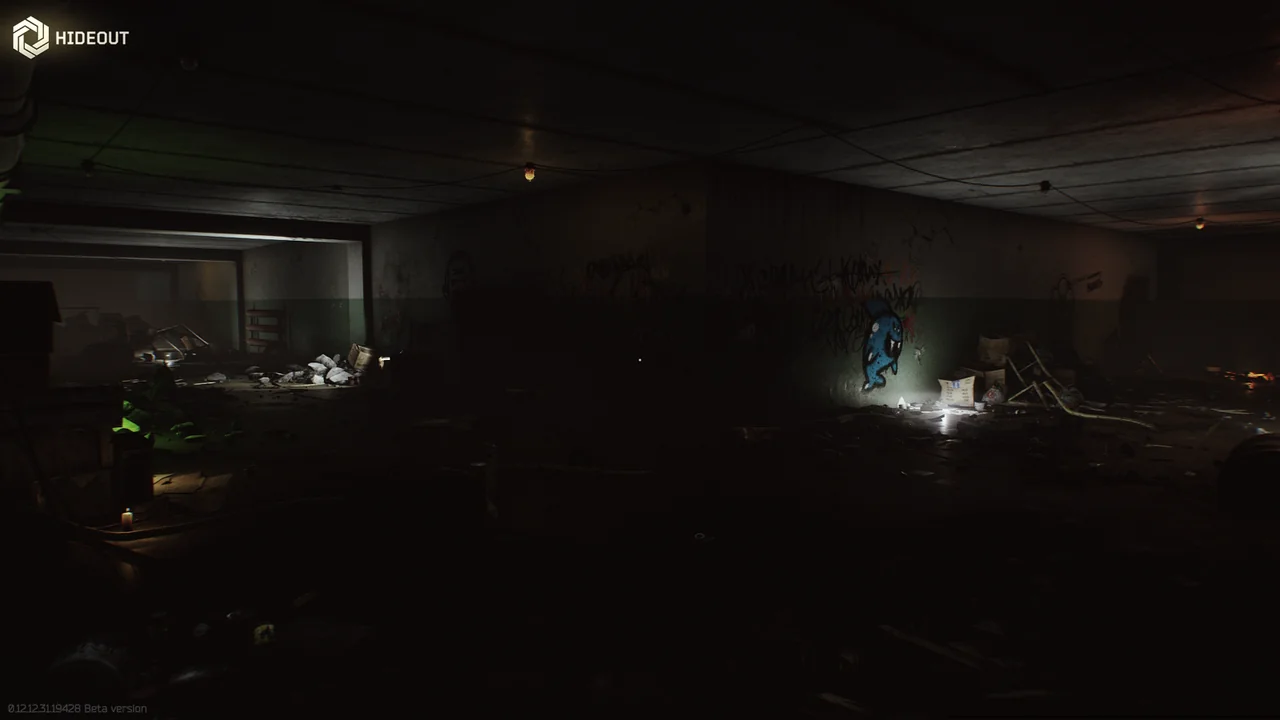
The cuts that actually add FPS
Start here before you touch DLSS. These values are the usual best settings for escape from tarkov on a Windows PC that still needs to see a player at 80 meters.
Screen mode: Fullscreen. VSync: Off. NVIDIA Reflex: On + Boost if you have it. Shadows: Low. HBAO: Off. SSR: Off. Object LOD: about 2.0–2.5. Overall visibility: 1000–1500, not 3000. Resampling: 1x unless an upscaler is on.
Textures: Medium at 6–8 GB VRAM, High if you have 10 GB+ and no stutter. Low textures make bushes and corners muddy. That costs fights. Anti-aliasing: TAA. Sharpness around 0.5–1.0 if the image goes soft.
Upscalers: quality first, blur last
Escape from Tarkov supports NVIDIA DLSS and AMD FSR. Both render below native and rebuild the frame. That is free FPS if the image stays readable through a scope.
NVIDIA DLSS
Use Quality. Balanced and Performance get you more frames and more smear, especially at 1080p and in picture-in-picture scopes. If magnified optics look like vaseline, raise sharpness a notch or turn DLSS off and cut shadows instead.
Skip frame generation for serious PvP. Interpolated frames add latency. Reflex On + Boost is the latency tool you actually want.
AMD FSR
FSR Quality is the AMD-side match. It is softer than DLSS at 1080p and cleaner at 1440p. If distant PMCs melt into noise, disable FSR and lower LOD before you drop resolution.
Do not stack FSR Performance on top of Low textures. You will gain FPS and lose the player in a tree line on Woods.
Streets, Labs, and CPU reality
Streets of Tarkov is the CPU tax. LOD and visibility hurt more here than on Factory. If your frame time spikes when you look at a long street, drop visibility toward 1000 and LOD toward 2.0 before you nuke textures.
The Lab and Factory are cheaper. You can raise a notch if you live in those maps. Keep one profile for Streets and one for everything else if you hate retuning every night.
Stable frames when an overlay is on
ESP boxes and loot pins still need a smooth frame time. A 40 FPS Streets hitch makes ESP feel late even when the tool is fine. Cap FPS a little under your monitor refresh if the card is screaming.
That is why escape from tarkov best settings and cheat overlays belong in the same conversation. Escape from Tarkov cheats still has to draw on top of the client. Pair this page with the tarkov cheats guide, then buy on the store when the picture is clean.
After a client or BattlEye update, confirm Status before you blame your NVIDIA control panel. Sometimes the hitch is a rebuild, not a shadow slider.
FAQ
What are the best Escape from Tarkov settings for FPS in 2026?
Fullscreen, VSync off, shadows low, HBAO off, SSR off, LOD around 2.0–2.5, visibility 1000–1500, textures medium or high based on VRAM, TAA on, DLSS or FSR on Quality only if you need the frames.
Should I use DLSS Performance for more FPS?
Usually no. Performance and Ultra Performance blur scopes and distant players. Quality is the usable mode. If you still need FPS, cut shadows and visibility before you drop the upscaler preset.
Is NVIDIA Reflex worth turning on?
Yes, On + Boost when the GPU has headroom. It cuts click-to-photon delay. It does not replace a sensible cap if the card is already at 99% and stuttering.
Why is Streets so much worse than Factory?
Streets is a CPU-heavy map with long sight lines and dense objects. LOD and visibility cost more there. Use a Streets-specific lower visibility value if you main that map.
Will these settings help if I run ESP overlays?
Yes. Overlays need a stable frame time. Hitching Streets FPS makes boxes feel late. Get the client smooth first, then layer ESP and aim tools from Features.